Tab Configuration
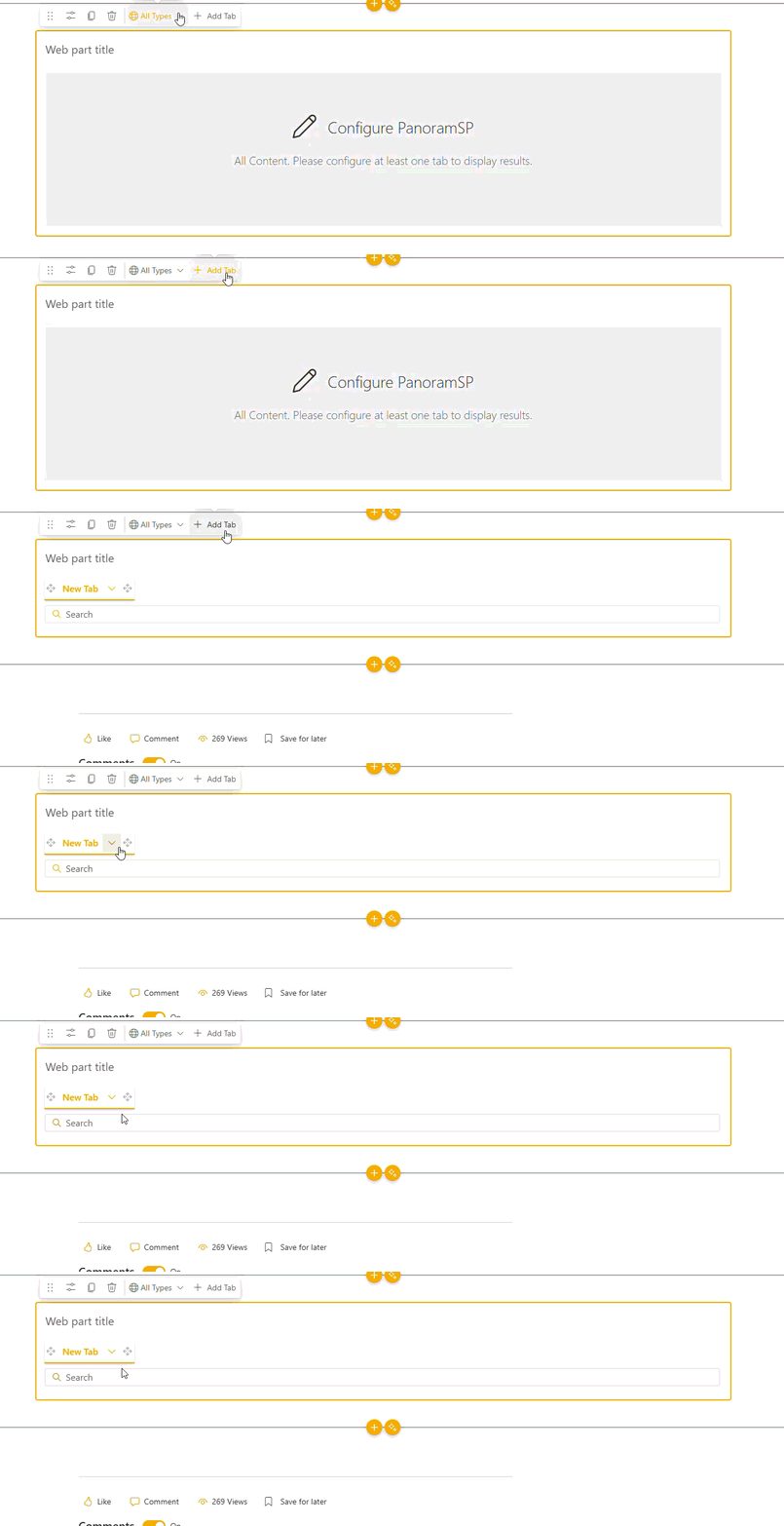
When adding a tab the tab property pane will open.
Configuration Type
The configuration type sets the source options in Search and Filtering to be:
- Standard - Lists the default plus any configured sources from tenant properties
- Advanced - Allows a result source to be used as the source
Title
The title to be used on tab. Default: "New Tab"
Icon
Select a Fluent UI icon to be displayed with the title or on it's own.
Default
Mark the current tab as the default tab to be selected when loading the page.
Note
Once one tab has been set as the default tab, the control will be disabled.
Audiences
The audiences control can be used to hide/ show different tabs for users in the selected group when the page is published.